
OpenStreetMap to Assetto Corsa: from OSM data to a drivable KN5 track
OpenStreetMap gives you the road layout, widths, lanes and buildings for almost anywhere, and its ODbL licence lets you use them in an Assetto Corsa track with attribution. It does not give you terrain or a ground texture, so turning OSM into a KN5 track means adding a terrain model and an aerial photo, then building the road, the physics and the track files by hand in Blender, or letting Worldlaps hand you the finished track.
By Abel Antonino Juberías · Updated
Join the waitlist Free. The first 100 get the full licence.
What OpenStreetMap gives you, and what it does not
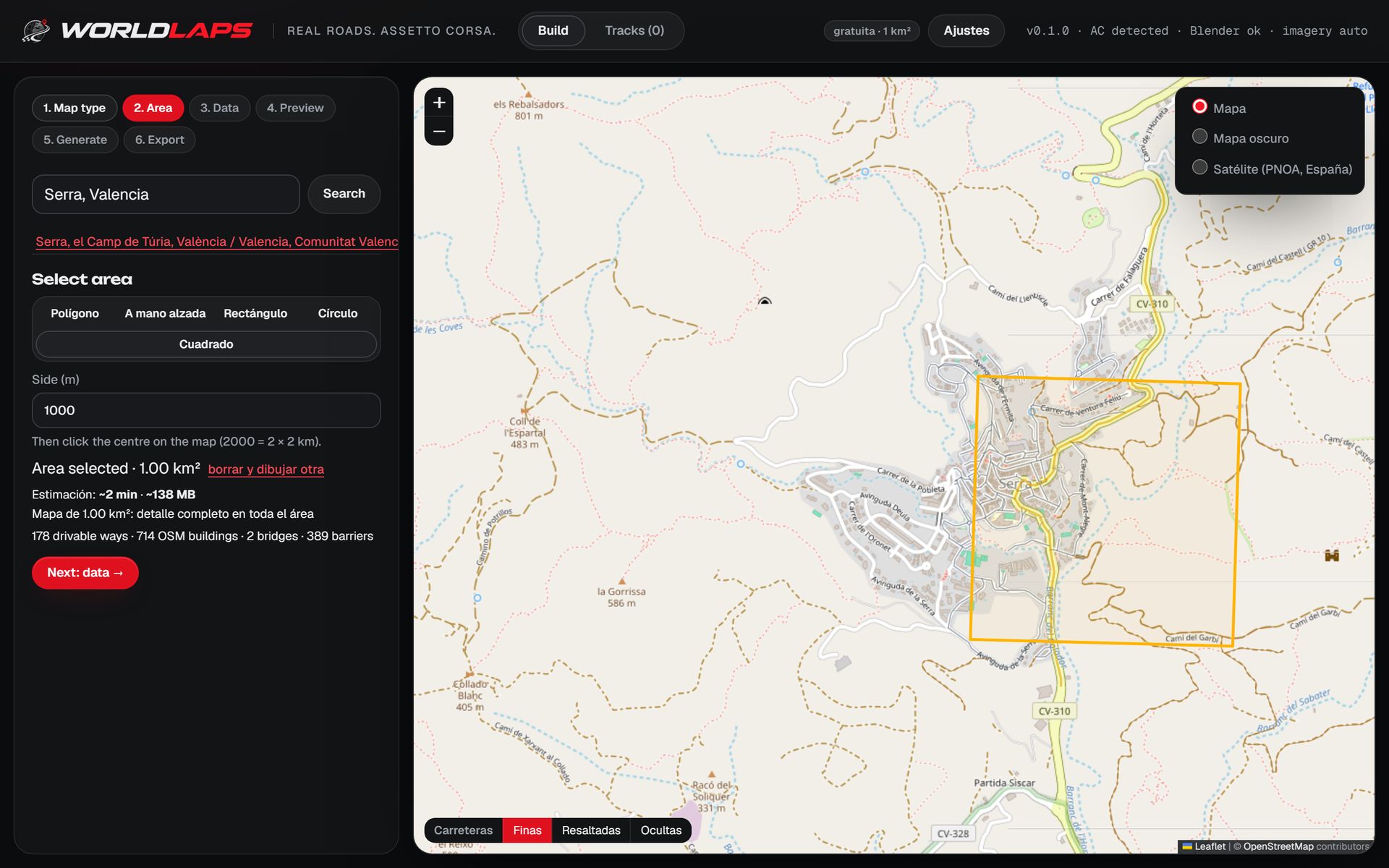
OpenStreetMap is a map of the world built by volunteers, with open data under the ODbL licence. For a track it is gold: every road is a line with tags saying what kind of road it is, how many lanes it has, what it is made of and sometimes how wide it is. Buildings are polygons with their footprint and often their height or number of floors. There are bridges, tunnels, car parks, trees, street lamps and race circuits too.
What OpenStreetMap does not give you is the ground. It has no terrain (roads are flat lines) and no ground texture. Those must come from elsewhere: a digital terrain model for heights and an aerial photo for colour. The best open sources are each country's official services; they are listed in the terrain and imagery table by country.
Why OpenStreetMap and not Google Maps
Google Maps would be the obvious source, but its terms do not allow using its imagery, terrain or 3D models outside Google's services. OpenStreetMap (ODbL) and official open aerial imagery do allow it, as long as you credit the source: every Worldlaps track carries those open data attributions inside. The whole question, with the open equivalent of each Google layer, is in Google Maps to Assetto Corsa.
OSM to KN5 by hand: the BlenderGIS route in short
By hand, the OpenStreetMap part is the first step: import the ways with the BlenderGIS add-on, together with a terrain model and a background image, and clean up the tags you care about (widths, lanes, bridges). From there it is all modelling: carriageways fitted to the terrain, every junction resolved, materials, FBX export, ksEditor for the KN5, and the physics and track files written by hand.
Junctions at different heights, fitting the terrain to the road and making hundreds of buildings look believable are where most people get stuck. The full workflow, step by step with Blender and ksEditor, is in the main guide.
The automatic route
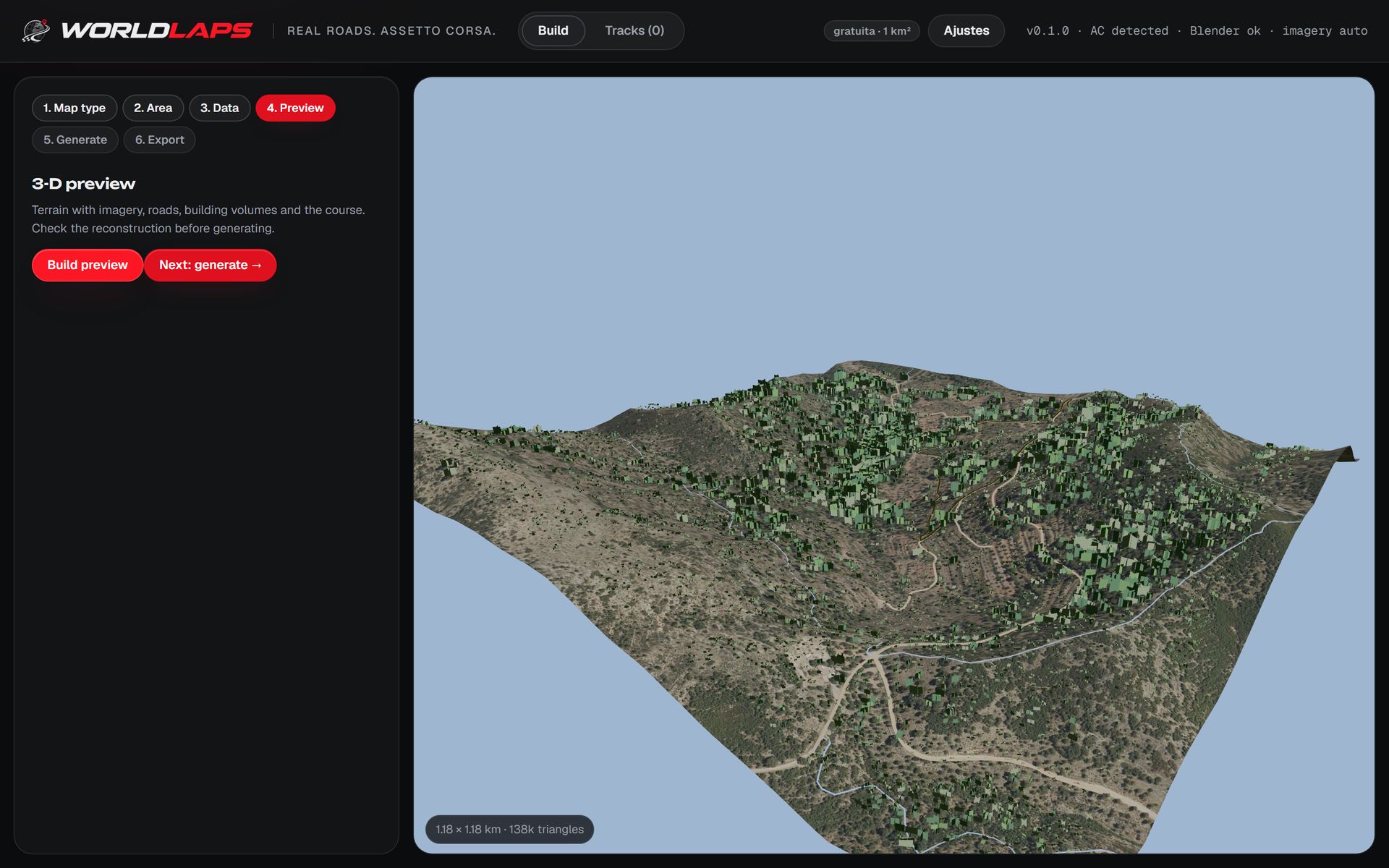
With Worldlaps you skip that whole journey: mark the area, press generate and install the track with one button:
| Step | By hand | With Worldlaps |
|---|---|---|
| Data | Import OSM, terrain and imagery into Blender | Nothing to import: you mark the area on the map |
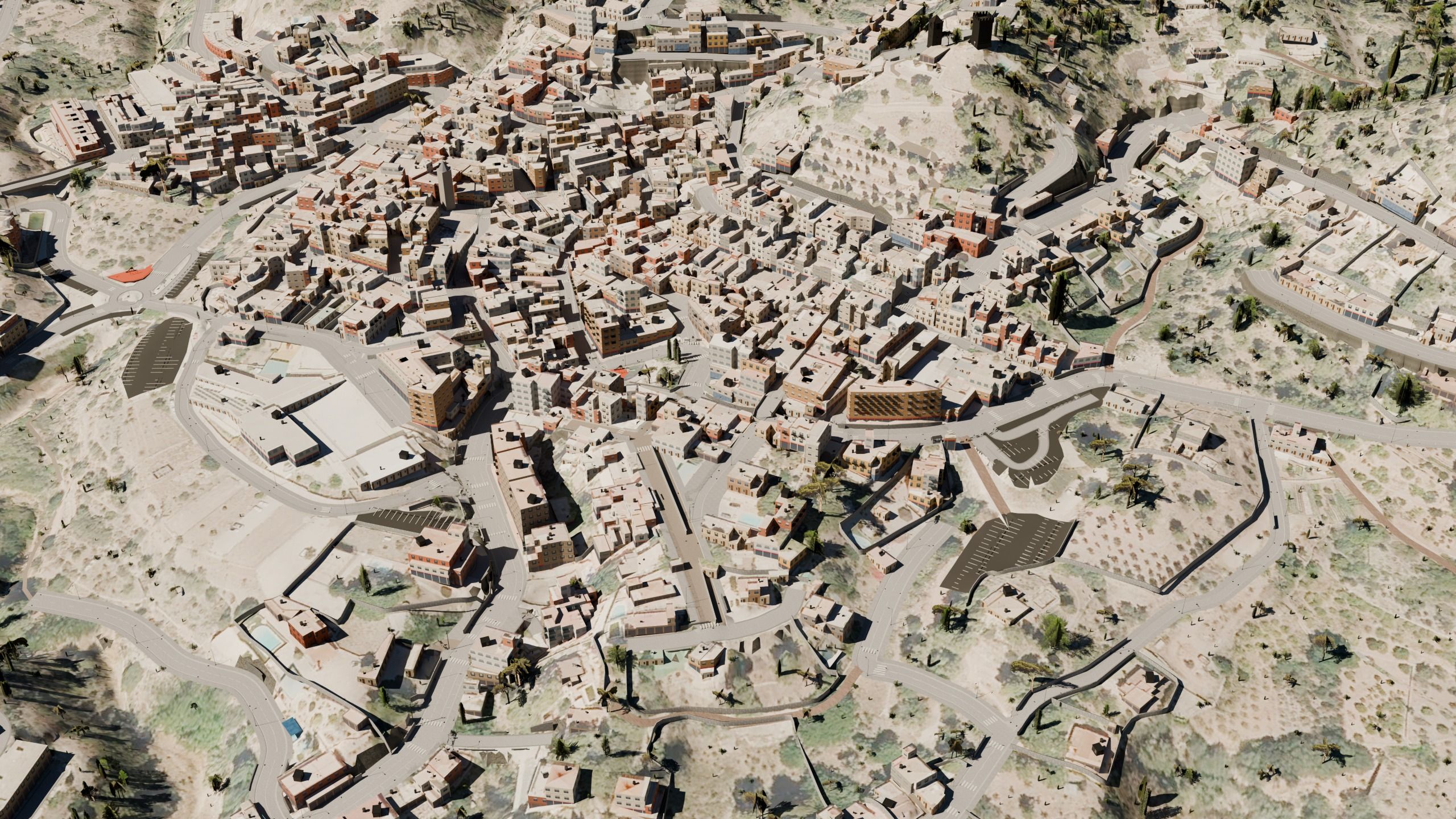
| Road | Model every carriageway and junction | Carriageways, pavements, kerbs, junctions, bridges and tunnels, ready-made |
| Terrain | Sculpt the embankments | Cuttings and embankments ready-made |
| Buildings | Extrude and texture | Every building with its footprint and facade |
| KN5 and physics | ksEditor and a hand-written surfaces.ini | Track ready, with the physics of every surface |
| AI, cameras, map | Record and write by hand | AI line (fast_lane.ai), TV cameras and map included |
| Install | Copy the folder | One button; or copy the folder if you prefer |
And if you want to finish something by hand, you also get the track as FBX, ready for Blender.
Improve OpenStreetMap before you generate
Since OpenStreetMap is collaborative, you can improve the data of your area before generating (missing streets, bridges, buildings), and improve it for everyone at the same time.
Frequently asked questions
Can I convert an OpenStreetMap map to KN5?
Yes. By hand, with BlenderGIS, Blender and ksEditor; or automatically with Worldlaps, which gives you the complete track.
Do I need an API key?
Not with Worldlaps: it uses open data that needs no key or account. The Google Maps API does require an account and billing.
What if OpenStreetMap has a mistake?
The track reproduces it. You can fix it on openstreetmap.org and generate again.
Can I use Google Earth for the ground texture?
No. Its terms do not allow it. Worldlaps tracks get each country's official open aerial imagery and, where there is none, open satellite imagery. Why Google data cannot be used.